The Last Mile for Generative AI Video.
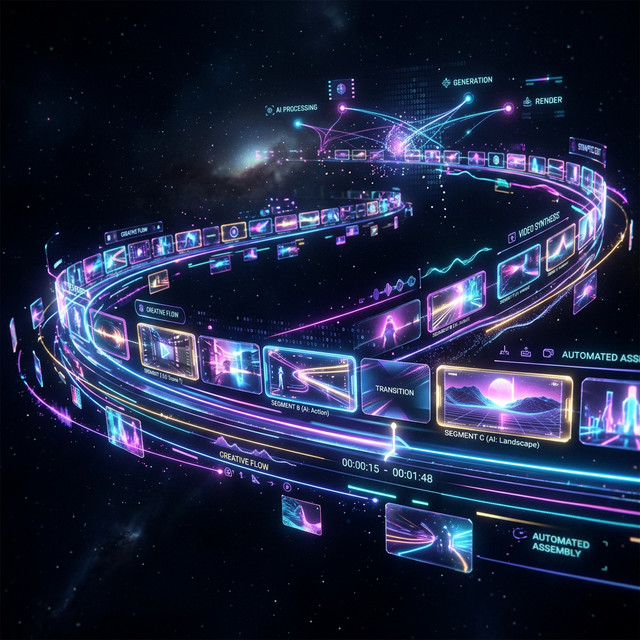
Sora generates the visuals. Runway Gen-3 renders the style. Kling handles the motion. But none of them assemble clips into a cohesive, beat-synced music video. Onset Engine is the missing last mile — the assembly engine that curates and sequences your AI-generated footage to your track.
The GenAI Gap
Generative AI tools produce stunning, silent, isolated clips — 3 to 10 seconds each. No audio. No pacing. No continuity. They're fragments, not videos.
You generate 50 breathtaking clips and then face the same editing problem as before: manually placing each one on a timeline, trimming, sequencing, and timing to music. The generation is instant. The assembly takes hours.
Premiere Pro doesn't understand your AI clips any better than GoPro footage. It sees pixels and filenames. It doesn't know that sora_001.mp4 is a "futuristic city at night" and sora_042.mp4 is an "abstract particle explosion."
Onset Engine Understands What You Generated
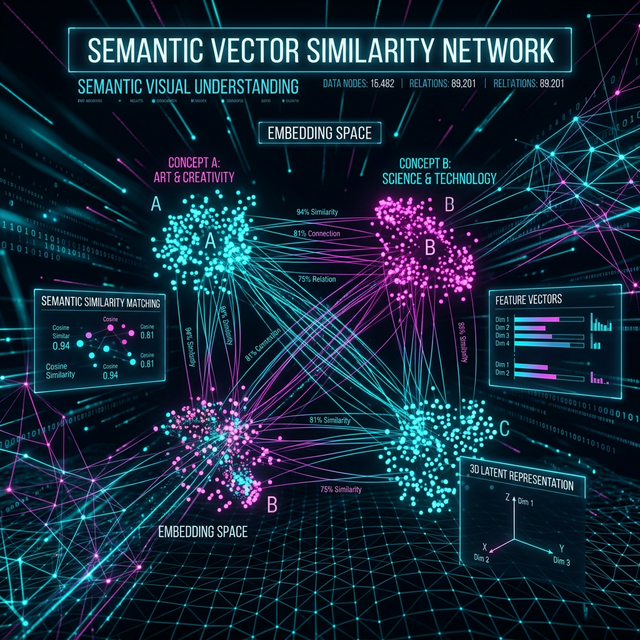
Onset Engine doesn't care where your clips came from — phone, drone, screen capture, or Sora. During ingest, OpenCLIP computes a 768-dimensional embedding for every clip. This is the same transformer architecture that AI generation tools use to create images — Onset Engine uses it to understand them.
- ✓ Semantic awareness: The engine knows "cyberpunk cityscape" from "underwater coral reef" from "abstract fractal zoom" — by visual content, not filename
- ✓ Energy matching: Dramatic, high-motion clips land on drops. Calm, atmospheric clips fill intros and outros
- ✓ Diversity enforcement: CLIP cosine similarity prevents adjacent clips from being semantically redundant
- ✓ Style agnostic: Works with any generation tool output — Sora, Runway, Kling, Pika, Stable Video Diffusion, Midjourney + img2vid
The GenAI → Music Video Pipeline
Generate Your Clips
Use any AI tool: Sora, Runway, Kling, Pika, or Stable Video Diffusion. Generate 30–100 clips in whatever style you want.
Ingest the Folder
Point Onset Engine at your generated clips folder. CLIP processes every clip in minutes — understanding visual content, motion, and mood.
Load Your Track
Drop your music. librosa maps every beat, Onset Engine, energy curve, and section boundary. The audio drives the sequencing.
Render the Music Video
Select a preset—HYPNOSIS for dreamy, AGGRESSIVE for hard-hitting, PRESTIGE for cinematic. The AI matches your visual assets to your musical structure.
The Compound Library
Every batch of AI-generated clips you ingest becomes part of your permanent library. After 3 months of generating and ingesting, you have thousands of AI clips indexed by visual content. Future music videos draw from the entire library — not just the latest batch.
Run the same track with different random seeds and you get unique outputs each time. Your AI-generated content becomes reusable visual inventory with zero marginal cost per video.
Ready to Try It?
Download the free demo and see the results on your own footage. One-time purchase, no subscriptions.