The Phonk / Drift Edit Machine
Stop spending 5 hours in After Effects keyframing shakes to Cowbell Phonk. Load your Assetto Corsa or raw GoPro footage, hit the AGGRESSIVE preset, and let Onset Engine automatically snap the impact-zooms and 1-frame flashes to the 808 kicks.
The Problem
You've got 40GB of raw Assetto Corsa replays and GoPro dashcam footage. You want that viral Phonk drift edit — the kind with surgical bass-synced shakes, 1-frame flashes on every 808 kick, and desaturated color grading. The aesthetic that gets 2M views on TikTok.
The reality? You're spending 5–8 hours in After Effects manually keyframing camera shakes, placing chromatic aberration on each snare, and nudging every cut to land on the right beat. You know the formula. The bottleneck isn't creativity — it's data entry.
The AGGRESSIVE Preset
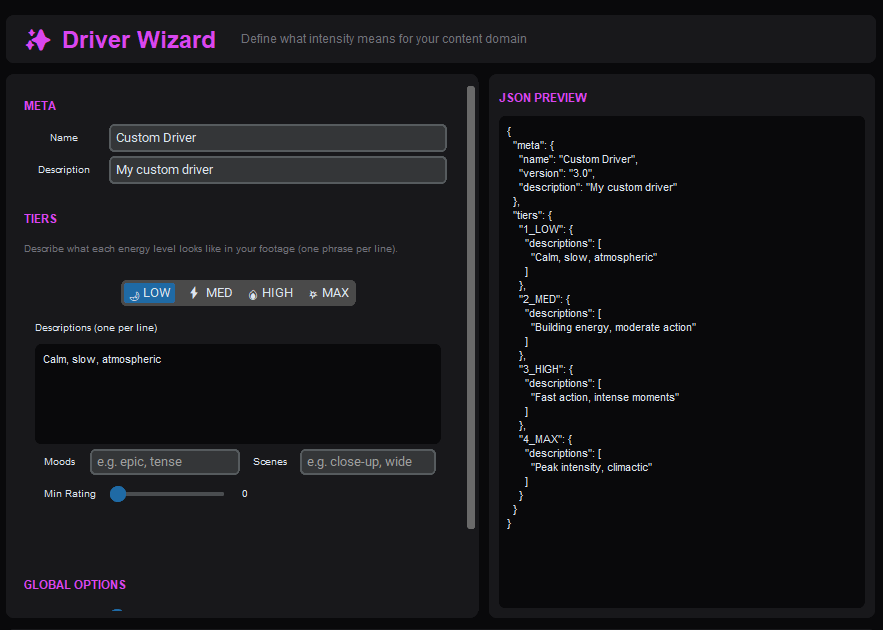
Onset Engine's AGGRESSIVE preset was designed for exactly this aesthetic. Half-beat cuts at 2× tempo multiplier. 6% impact zoom on every kick with 18.0 fast-decay snap-back. Chromatic aberration fires only on beats. Flash decay at 120ms — blink and you miss it.
- ✓ 808 Sync: The audio engine maps every kick, snare, and hi-hat. Cuts snap within ±200ms of each Onset Engine
- ✓ Impact Zooms: 6% punch-and-decay on every detected bass hit — the classic Phonk camera shake
- ✓ Chromatic Aberration: 2.5px CA fires on heavy beats only — not constant, not random, mathematically placed
- ✓ 1-Frame Flashes: 120ms decay white flash on snares. Subliminal. Just like the edits that go viral
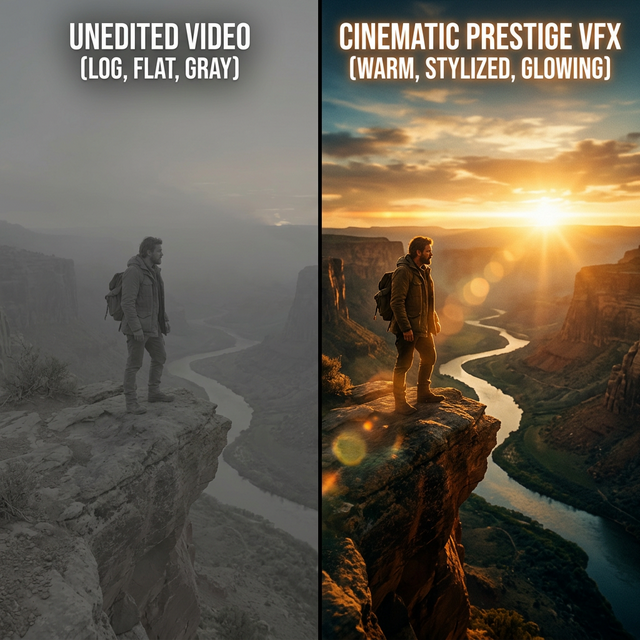
- ✓ Desaturated Grading: DJ mode runs -15 saturation, +40 contrast for that cold, cinematic drift look
The Workflow
Ingest Replays
Point Onset Engine at your Assetto Corsa replay folder or GoPro dumps. The AI analyzes every frame — it knows the difference between a drift entry angle and a parking lot idle.
Drop the Phonk Track
Load your Cowbell, Memphis, or Drift Phonk track. Onset Engine decomposes it into beats, 808 kicks, energy curves, and drop zones automatically.
Select AGGRESSIVE
Half-beat cuts, impact zooms, chromatic aberration, rapid flashes — all auto-configured. Or tweak the preset JSON yourself.
Export or DJ It Live
Render to MP4 with NVENC hardware encoding, or launch DJ Mode and mix your drift footage live to the Phonk track in real-time.
Why Not After Effects?
After Effects is a compositing tool. You're using it as a beat-sync calculator. That's like using Photoshop to crop thumbnails — technically possible, strategically absurd.
Onset Engine does the math: librosa decomposes the audio → CLIP vectors understand the footage → the driver system maps intensity to visuals → AGGRESSIVE applies the aesthetic. You supply the taste. The engine supplies the labor.
And because it runs locally on your GPU, you're not uploading 40GB of replay footage to anyone's cloud server. Your renders stay on your NVMe. Your footage stays in your library.
Ready to Try It?
Download the free demo and see the results on your own footage. One-time purchase, no subscriptions.