AI Rough Cuts, Pro NLE Finishing
Let Onset Engine build the beat-synced rough cut in 30 seconds. Export the .otio file, open it in DaVinci Resolve or Premiere, and retain full control over your timeline.
The Editor's Bottleneck
You have 200 clips, a music track, and a deadline. The most time-consuming part of any music video edit isn't the color grade or the effects — it's the rough cut. Scrubbing through footage, placing clips on beats, matching energy to intensity sections. Hours of work before you even start the creative pass.
What if the rough cut assembled itself — perfectly beat-synced — in under a minute?

The OTIO Pipeline
Onset Engine's Studio tier exports OpenTimelineIO (.otio) files — an open-standard timeline interchange format supported by DaVinci Resolve, Premiere Pro, and most major NLEs.
- ✓ 30-Second Rough Cuts: The selection loop processes 3500+ clips in ~30 seconds — no MoviePy, no rendering
- ✓ Beat-Synced Placement: Clips are placed on beat boundaries with onset-aware snapping for musical precision
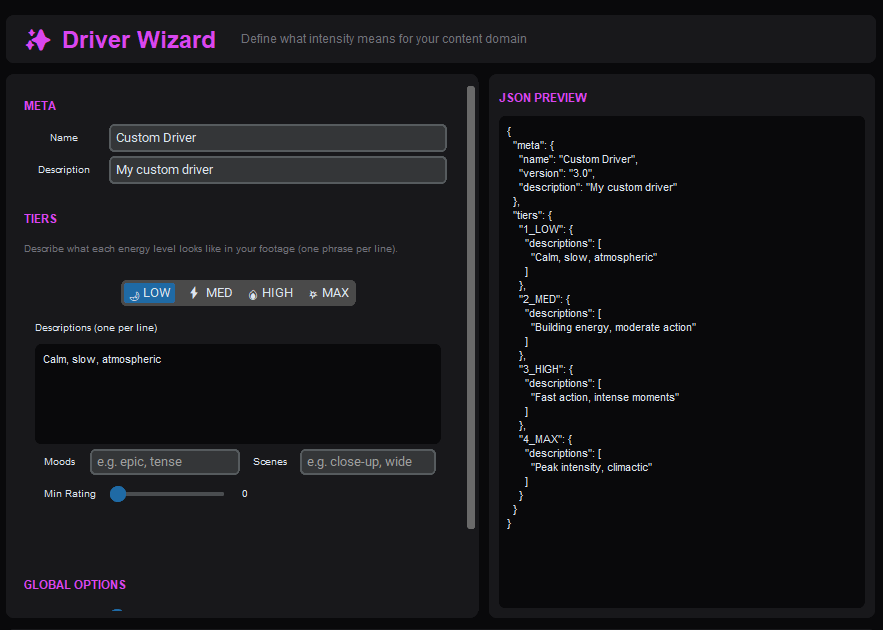
- ✓ Semantic Matching: The AI matches clip content to musical intensity via driver vectors — not random selection
- ✓ Source Diversity: No consecutive clips from the same source video — enforced algorithmically
- ✓ OTIO Export: Open the timeline in your NLE of choice. All clip references, in/out points, and timing are preserved
The Professional Workflow
Ingest Source Media
Point Onset Engine at your project's footage folder. The AI builds a searchable library with CLIP embeddings.
Generate Timeline
Select your music track and driver. Hit "Generate" — the rough cut assembles in ~30 seconds.
Export OTIO
Export the timeline as an OpenTimelineIO file. All clip references and timings are preserved.
Finish in Your NLE
Open the .otio in DaVinci Resolve or Premiere. Apply your own grades, effects, and refinements.
Not a Replacement — an Accelerator
Onset Engine doesn't replace your NLE. It replaces the most tedious 3 hours of every project. The AI handles the mechanical work — beat analysis, clip selection, source diversity, pacing curves — so you can skip straight to the creative decisions.
Use the --generate-only flag to create the EDL and OTIO without rendering anything. Zero wasted time. The rough cut arrives in your timeline in 30 seconds.
Ready to Try It?
Download the free demo and see the results on your own footage. One-time purchase, no subscriptions.