The Set Starts in 2 Hours. No Resolume. No Problem.
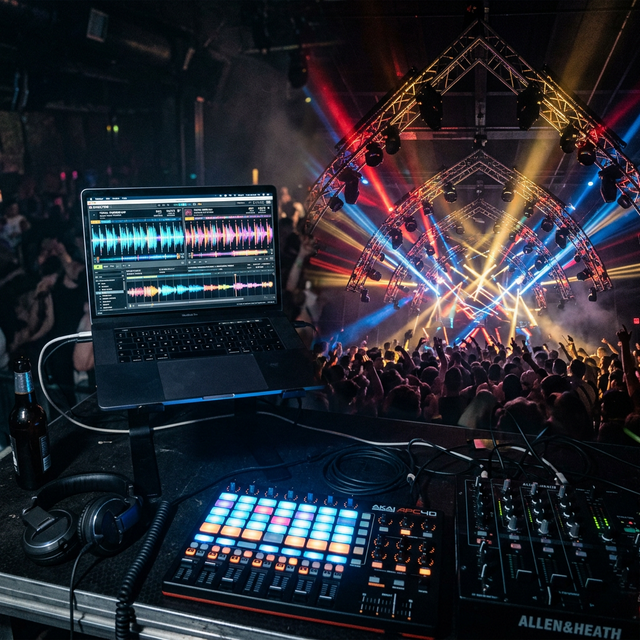
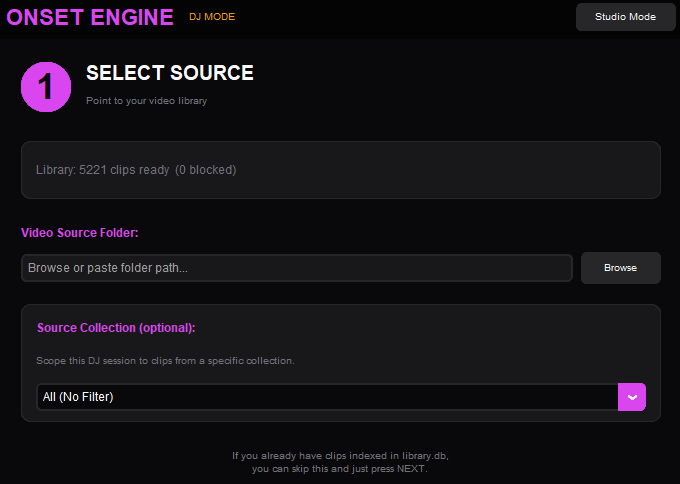
The set starts in 2 hours. You don't own a $399 Resolume license. You don't have a MIDI controller. You have a laptop with an NVIDIA GPU and a folder of video clips. Onset Engine's DJ Mode gives you zero-latency MPV playback, beat-synced transitions, and CLIP-powered semantic clip selection — all from a keyboard.
The $399 Problem
Resolume Arena: $399. VDMX: $199. TouchDesigner: free but requires weeks of node-graph programming. All of them need MIDI controllers ($200+), Spout/Syphon output chains, and dual-monitor setups. You're looking at a $600+ investment before you mix a single clip.
And none of them understand what's in your clips. They play videos randomly or in sequence. They don't know the difference between a calm landscape and an explosive fight scene. You're paying $600 for a fancy random shuffle.
DJ Mode Architecture
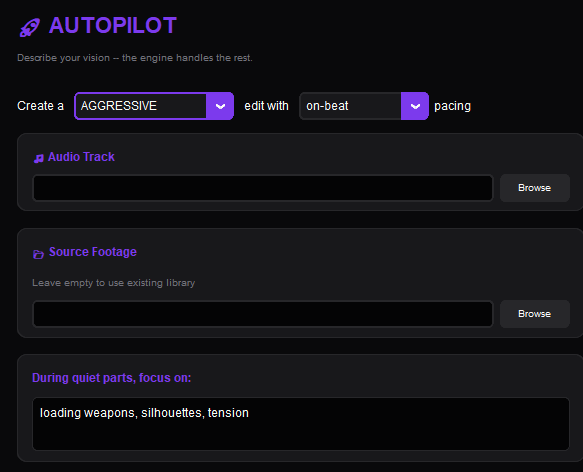
Onset Engine's DJ Mode is built on MPV — the fastest, most efficient video player available. Hardware-decoded playback with keyframe seeking, demuxer caching, and zero-gap clip transitions. The CLIP model compiles in a background thread while playback starts immediately.
- ✓ MPV Backend: Hardware-decoded playback with hr_seek=no + demuxer cache for instant transitions
- ✓ Async CLIP: Playback starts immediately. Driver compiles in background. Vector selection activates seamlessly
- ✓ Beat-Synced Transitions: Clip changes land on detected beats. The music drives the edit, not a random timer
- ✓ Semantic Selection: CLIP vectors match clips to the current musical energy. Calm footage for intros, intense footage for drops
- ✓ Real-Time Keybinds: Arrow keys control intensity. / key enables live CLIP text queries. G key gold-stars clips for later
- ✓ Virtual Clip Support: Pointer-only clips play via MPV start property — no first-frame flash, no file duplication
The Keybinds
Increase / decrease energy tier. Push clips toward high-intensity or pull back to calm.
Force early / late clip transition. Override the beat-sync timing manually.
Live CLIP text query. Type "sword fight" and the next clip matches semantically.
Gold star the current clip (rating = 5). Starred clips are prioritized in future renders.
Block the current clip (rating = -1). It will never appear again in any pipeline.
Toggle the keybind help overlay. Shows all available controls during playback.
Play / Pause. Standard playback toggle for when you need to freeze on a frame.
Lock Similarity. Temporarily lock the CLIP vector constraint to the current clip's style.
From DJ Session to Final Render
Every DJ session generates a session log — a full EDL of every clip played, every star given, every block applied. This session data feeds back into the Studio render pipeline.
Gold-starred clips during DJ sessions are prioritized in Studio renders via the "Use DJ Favorites" checkbox. Block a mediocre clip once in DJ Mode — it's excluded from all future renders, autopilot runs, and DJ sessions.
DJ Mode isn't just a visualizer. It's a curation tool that makes every subsequent render better.
Ready to Try It?
Download the free demo and see the results on your own footage. One-time purchase, no subscriptions.