AI-Generated Video Editor
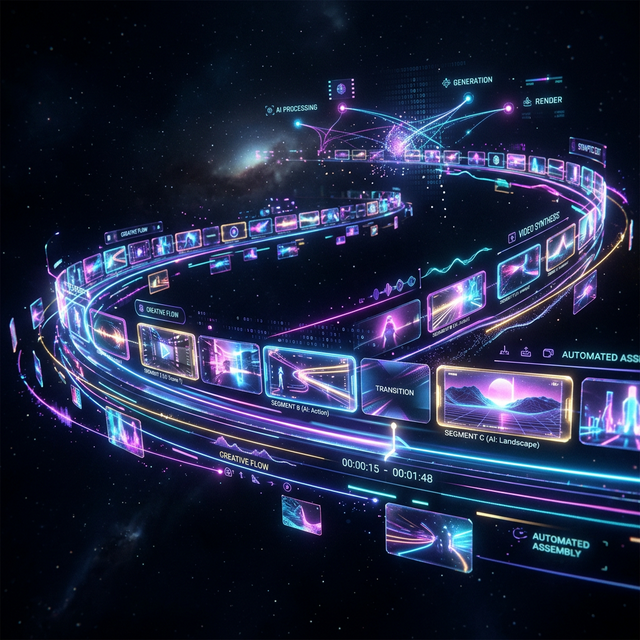
The Last Mile for Generative AI Video. Sora generates the visuals. Runway Gen-3 renders the style. Kling handles the motion. But none of them assemble clips into a cohesive, beat-synced music video. Onset Engine is the missing last mile - the assembly engine that curates and sequences your AI-generated footage to your track.
The GenAI Gap
Generative AI tools produce stunning, silent, isolated clips - 3 to 10 seconds each. No audio. No pacing. No continuity. They're fragments, not videos.
You generate 50 breathtaking clips and then face the same editing problem as before: manually placing each one on a timeline, trimming, sequencing, and timing to music. The generation is instant. The assembly takes hours. Our guide on assembling AI-generated clips walks through the full workflow.
Premiere Pro doesn't understand your AI clips any better than GoPro footage. It sees pixels and filenames. It doesn't know that sora_001.mp4 is a "futuristic city at night" and sora_042.mp4 is an "abstract particle explosion."
Onset Engine Understands What You Generated
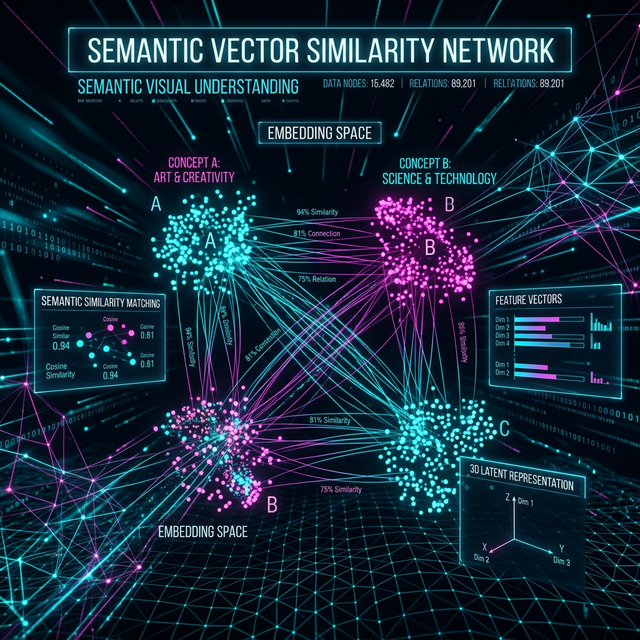
Onset Engine doesn't care where your clips came from - phone, drone, screen capture, or Sora. During ingest, the AI builds a searchable fingerprint of what's in every clip. It's the same kind of AI that generation tools use to create images - Onset Engine uses it to understand them.
- ✓ Semantic awareness: The engine knows "cyberpunk cityscape" from "underwater coral reef" from "abstract fractal zoom" - by visual content, not filename
- ✓ Energy matching: Dramatic, high-motion clips land on drops. Calm, atmospheric clips fill intros and outros
- ✓ Diversity enforcement: The AI checks how closely clips match each other, so back-to-back clips don't repeat the same look
- ✓ Style agnostic: Works with any generation tool output - Sora, Runway, Kling, Pika, Stable Video Diffusion, Midjourney + img2vid
The GenAI → Music Video Pipeline
Generate Your Clips
Use any AI tool: Sora, Runway, Kling, Pika, or Stable Video Diffusion. Generate 30–100 clips in whatever style you want.
Ingest the Folder
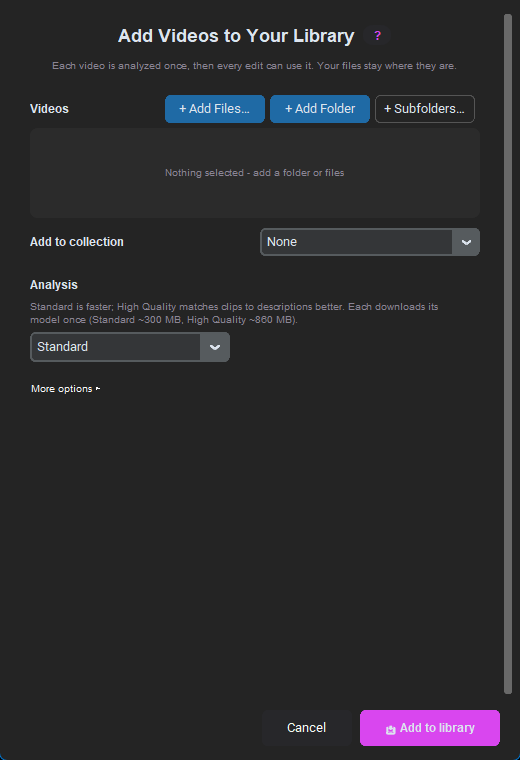
Point Onset Engine at your generated clips folder. The AI analyzes every clip in minutes - understanding visual content, motion, and mood.
Load Your Track
Drop your music. AI beat detection maps every beat, onset, energy curve, and section boundary. The audio drives the sequencing.
Render the Music Video
Select a preset-HYPNOSIS for dreamy, AGGRESSIVE for hard-hitting, PRESTIGE for cinematic. The AI matches your visual assets to your musical structure.
The Compound Library
Every batch of AI-generated clips you ingest becomes part of your permanent library. After 3 months of generating and ingesting, you have thousands of AI clips indexed by visual content. Future music videos draw from the entire library - not just the latest batch.
Run the same track again, or re-roll the draft, and you get a unique output each time. Your AI-generated content becomes reusable visual inventory with zero marginal cost per video.
Frequently Asked Questions
Does Onset Engine work with clips from Sora, Runway, and Kling?
Yes. Onset Engine is format-agnostic and works with any video file, including output from Sora, Runway Gen-3, Kling, Pika, and Stable Video Diffusion. The AI analyzes what's actually in each clip, not metadata or source tags.
How does the AI understand what each AI-generated clip contains?
During ingest, the AI builds a searchable fingerprint of every clip that captures what it shows. This lets Onset Engine distinguish a 'cyberpunk cityscape' from an 'underwater coral reef' by content, not filename.
Do I need an internet connection to edit AI-generated clips?
No. After a one-time setup (license activation and an AI model download on first use), Onset Engine runs offline on your local hardware. All AI inference, beat detection, and rendering happen on your GPU and CPU with zero cloud uploads.
Can I reuse AI-generated clips across multiple music videos?
Absolutely. Every clip you ingest becomes part of a permanent library on your computer. Future projects draw from your entire collection, and each draft picks and orders clips differently, so every video is unique.
Ready to Try It?
Download the free demo and see the results on your own footage. One-time purchase, no subscriptions.