Cosplay Music Video Editor - Convention Floor to Beat-Synced Edit
You walked the convention floor for 8 hours shooting 120fps slow-mo hall shots. Don't spend a week cutting it. Onset Engine's visual AI ranks your clips by content and motion - so the high-impact poses surface above the low-motion filler - and mathematically snaps them to your synthwave track. Zero timeline slicing required.
The Problem
Comic-Con was three days. You shot 47GB across 380 clips. Hall cosplays, posing sessions, parking lot meetups, panel cellphone footage, and 200 blurry takes where someone crossed in front of your lens. The cosplayer's followers want the edit this weekend.
You open Premiere. You scrub. You find 40 usable clips out of 380. You cut each one to a synthwave track by hand, keyframing slow-mo speed ramps to land on beats. That's 6–10 hours of editing for a 90-second TikTok. By the time you post it, the convention hype is dead.
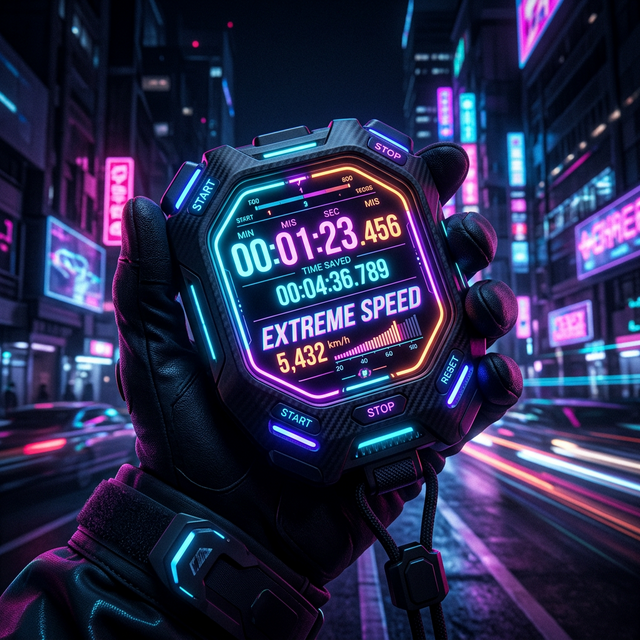
The AI Knows What "Epic" Looks Like
During ingest, Onset Engine runs your footage through visual AI on your local GPU. It builds a fingerprint of each clip - a searchable record of what's visually happening.
A cosplayer mid-pose with dramatic lighting? High semantic score for "dramatic cosplay portrait." Someone's elbow blocking your lens? Near zero. The AI already curated your footage before you opened the timeline.
- ✓ Semantic Ranking: The AI distinguishes "character posing dramatically" from "person walking past a booth"
- ✓ 120fps Slow-Mo Support: High framerate footage ingests natively - no manual conforming
- ✓ Low-Motion Filtering: Static and low-motion clips get a low motion score and are automatically ranked last
- ✓ Beat-Mapped Assembly: Epic poses land on drops. Walking shots fill quiet intros. Mathematically placed
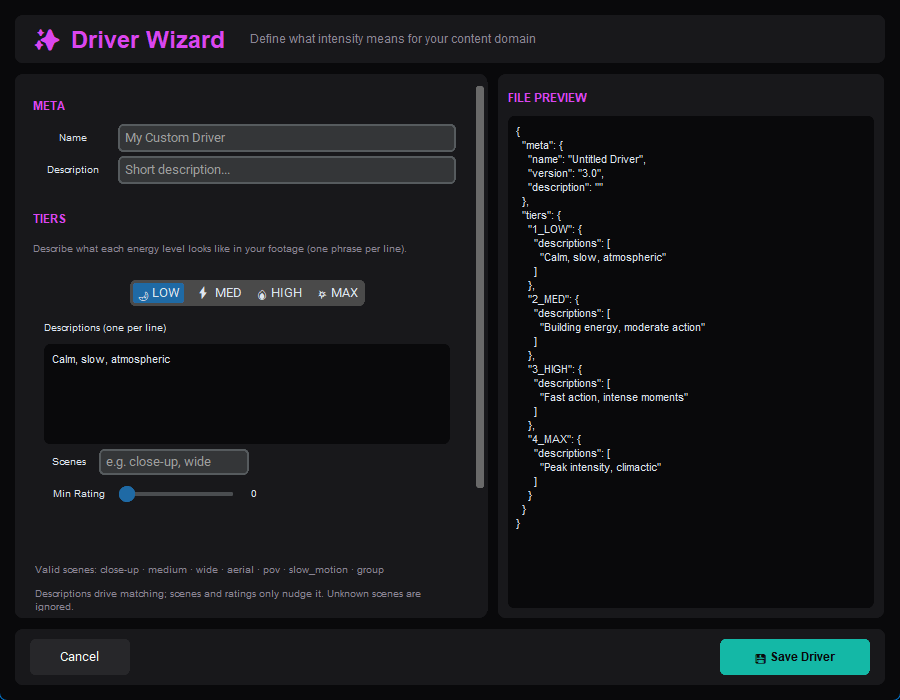
The Workflow
Dump the SD Cards
Point Onset Engine at your convention footage folder. Pointer-only mode indexes everything without duplicating 47GB of 4K files.
Drop the Synthwave Track
Load your edit music. Onset Engine maps every beat, energy swell, and drop - building the temporal blueprint for your montage.
STANDARD or PRESTIGE
STANDARD for clean TikTok edits. PRESTIGE for a polished film look with black bars top and bottom, a soft glow, and gentle light streaks. Your aesthetic, automated.
Post Before the Hype Dies
Render with NVENC hardware encoding. 90 seconds of edit in under 5 minutes. Post while the convention hashtag is still trending.
Why Not CapCut or After Effects?
CapCut's "auto-edit" is template-based - it doesn't understand what's in your footage. It can't tell a dramatic cosplay pose from a blurry hallway pan. After Effects gives you total control, but you're spending 8 hours keyframing speed ramps for a TikTok.
Onset Engine is the middle ground: AI that actually understands visual content, combined with beat-precise timing from AI beat detection, running 100% on your local GPU. No upload. No cloud queue. No subscription. And it ships your edit before the convention hashtag dies.
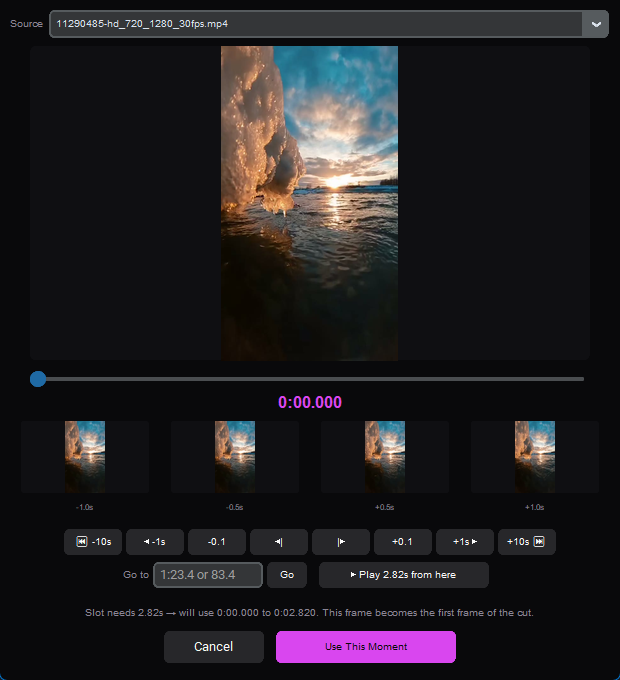
Frequently Asked Questions
Can Onset Engine automatically filter out blurry convention footage?
Yes. During ingest, the AI analyzes every clip and builds a searchable fingerprint of what's in it. Clips with low motion scores and low semantic confidence are automatically ranked last, so dramatic cosplay poses get prioritized over blurry hallway pans.
Does the software handle 120fps slow-motion footage?
Yes. High-framerate footage ingests natively without manual conforming. Onset Engine analyzes and indexes 120fps clips just like standard footage, and a preset like PRESTIGE gives your slow-motion shots a polished film look.
How fast can I get a cosplay music video edited after a convention?
Onset Engine can process hundreds of clips and render a 90-second beat-synced edit in minutes. With NVENC hardware encoding, you can post your cosplay video while the convention hashtag is still trending.
Do I need to upload my convention footage to the cloud?
No. Onset Engine runs 100% locally on your PC. All AI analysis, beat detection, and rendering happen on your GPU with zero cloud uploads. Your footage never leaves your machine, and pointer-only mode indexes files without duplicating them.
Ready to Try It?
Download the free demo and see the results on your own footage. One-time purchase, no subscriptions.