GoPro & Action Camera Highlight Video Editor
Your SD Card Has 4 Hours of Gold. Find It in 3 Minutes. You spent the day skating, snowboarding, or flying your FPV quad. Somewhere in 4 hours of 4K footage are 30 seconds of absolute gold - the gap grind, the powder drop, the proximity dive under a bridge. Onset Engine's motion-scoring AI finds them automatically and weaves them together, beat-synced to your track.
The Problem
You spent the day skating, snowboarding, or flying your FPV quad. You've got 4 hours of 4K footage on an SD card. Somewhere in there are 30 seconds of absolute gold - the gap grind, the powder drop, the proximity dive under a bridge.
Finding those moments means scrubbing through 240 minutes of footage. Then cutting them into a montage. Then syncing the cuts to music. Our guide on how to make a highlight reel from raw footage breaks down the full process. For most action sports creators, the footage lives on the SD card forever because the editing takes longer than the activity itself.
Automatic Highlight Extraction
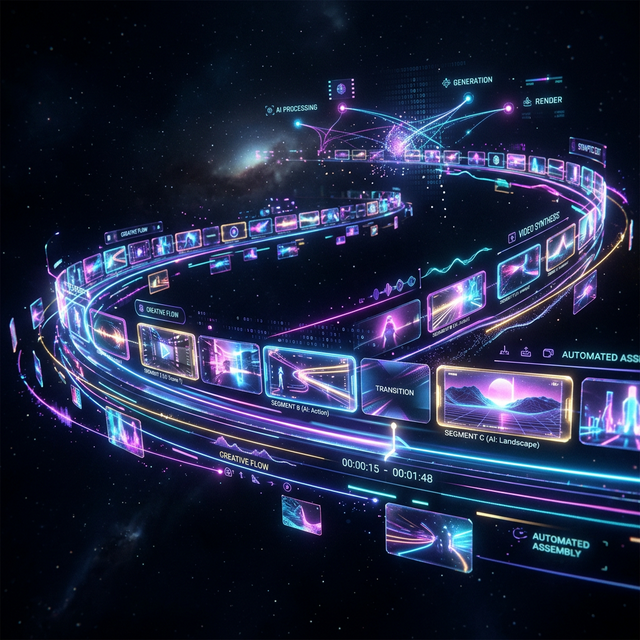
During ingest, Onset Engine computes a motion score for every clip segment and builds a searchable fingerprint of its visual content. High-velocity drone dives, skateboard tricks, and snowboard jumps have distinctive motion signatures that the engine identifies automatically.
- ✓ Motion Scoring: Every 3-second clip gets a numerical dynamism rating - fast action scores high, idle footage scores near zero
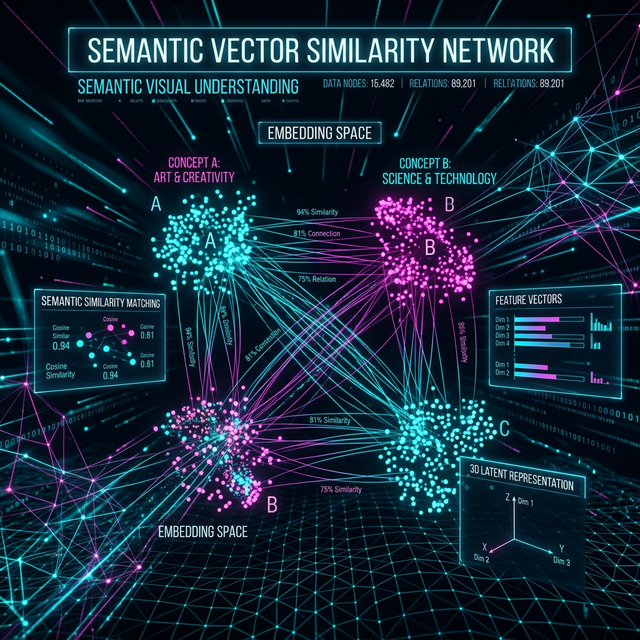
- ✓ Semantic Understanding: The AI distinguishes "drone diving through a gap" from "drone hovering over a parking lot"
- ✓ Pointer-Only Ingest: Index 100GB of 4K footage without duplicating files - the database just stores references
- ✓ Beat-Mapped Assembly: High-motion moments land on drops and peaks. Low-motion scenic shots fill the quiet intros
The Workflow
Ingest Your SD Card
Point Onset Engine at the DCIM folder. Pointer-only mode indexes the 4K files in-place - no copying, no transcoding, no proxy wrangling.
Pick a Track
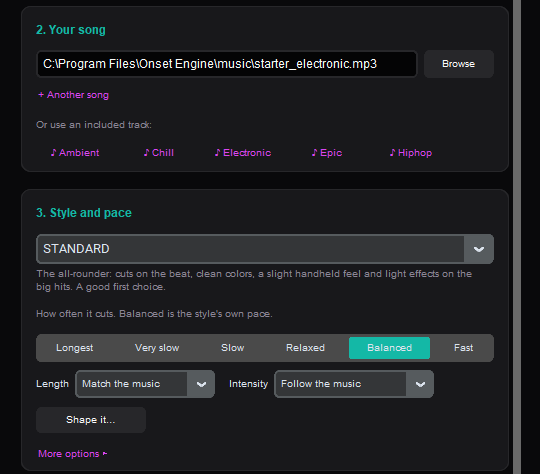
Drop in your edit music. Onset Engine maps every beat, energy curve, and drop zone - building the temporal blueprint for your montage.
New Video or Curate
Full auto: New video picks the best clips and cuts them to the beat. Or curate the draft in the Editor - lock your favorites and re-roll the rest.
Render or Hand-Off
Render with NVENC at 1080p or 4K. Or export an OTIO timeline to DaVinci Resolve for color grading and final polish.
Why Not GoPro Quik or iMovie?
GoPro Quik is a phone app. It makes 15-second clips with canned transitions and no beat-sync. iMovie doesn't understand what's in your footage. Neither tool has semantic understanding - they're randomly trimming files and hoping for the best.
Onset Engine runs visual AI on your local GPU. It builds a searchable fingerprint of every clip. It knows the difference between a proximity dive and a takeoff hover. It doesn't guess - it calculates. And it costs $59.99 once, not $0 + your soul in cloud uploads.
Process footage at the mountain lodge, on the road, or anywhere without Wi-Fi. For travel creators, the travel vlog B-roll automator handles trip footage the same way. Your footage never leaves your machine. Your SD card stops being a graveyard.
Frequently Asked Questions
How does Onset Engine find the best moments in hours of GoPro footage?
During ingest, the engine computes a motion score for every clip segment and builds a searchable fingerprint of what's in each one. High-velocity moments like tricks, dives, and jumps score high automatically, while idle footage scores near zero.
Do I need to copy my GoPro files before editing?
No. Onset Engine's pointer-only ingest mode indexes your 4K files directly on the SD card or drive without duplicating them. The database stores references to the original files, so you can work with 100GB+ of footage without extra disk space.
Can I export my highlight reel to Premiere Pro or DaVinci Resolve?
Yes. Onset Engine exports to the OpenTimelineIO (OTIO) format, which you can import into Premiere Pro or DaVinci Resolve for color grading and final polish.
Does Onset Engine work without Wi-Fi at a remote location?
Yes. Once it's set up, Onset Engine runs offline on your local hardware - do your first ingest before you travel, so the AI model is already on your computer. You can process GoPro footage at a mountain lodge, campsite, or anywhere without internet. Your footage never leaves your machine.
Ready to Try It?
Download the free demo and see the results on your own footage. One-time purchase, no subscriptions.