Video DJ Software - Gapless Live Mixing with AI Beat-Sync
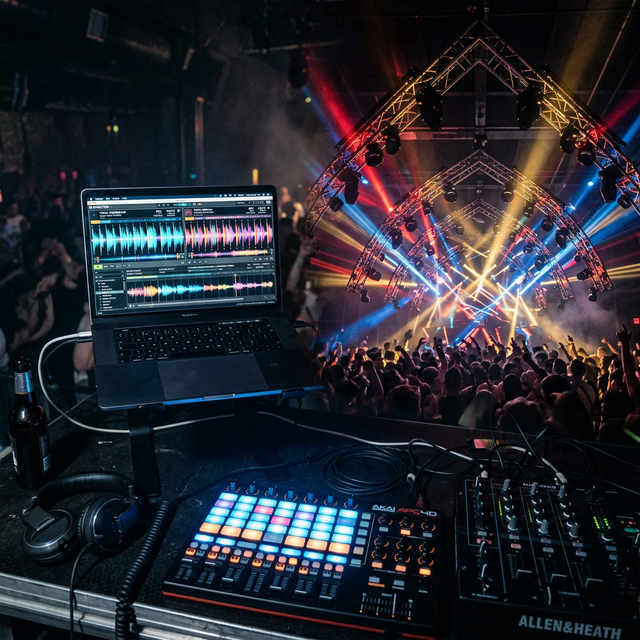
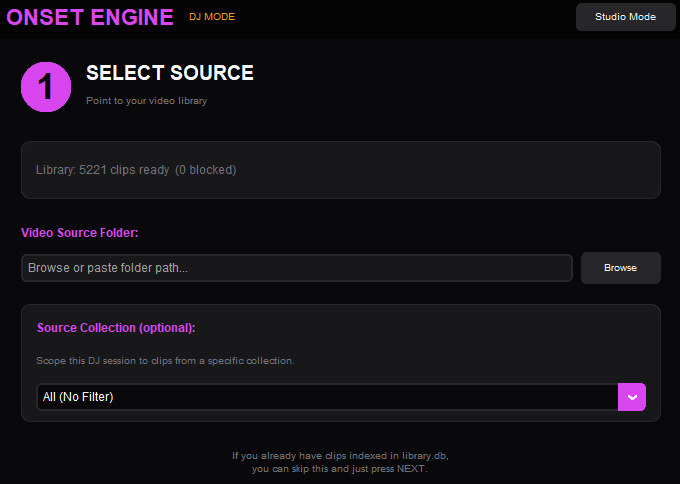
The set starts in 2 hours. You don't own a $399 Resolume license. You don't have a MIDI controller. You have a laptop with an NVIDIA GPU and a folder of video clips. Onset Engine's DJ Mode gives you zero-latency MPV playback, beat-synced transitions, and AI clip selection that understands what's on screen - all from a keyboard.
The $399 Problem
Resolume Arena: $399. VDMX: $199. TouchDesigner: free but requires weeks of node-graph programming. All of them need MIDI controllers ($200+), Spout/Syphon output chains, and dual-monitor setups. You're looking at a $600+ investment before you mix a single clip.
And none of them understand what's in your clips. They play videos randomly or in sequence. They don't know the difference between a calm landscape and an explosive fight scene. You're paying $600 for a fancy random shuffle.
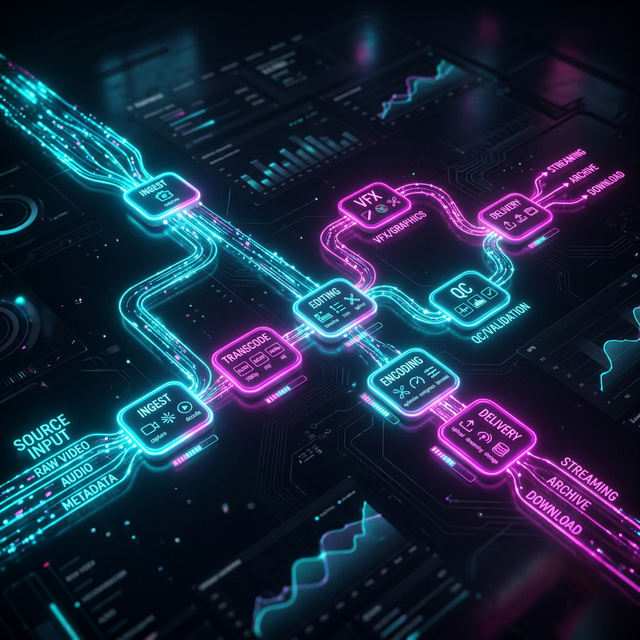
DJ Mode Architecture
Onset Engine's DJ Mode is built on MPV - the fastest, most efficient video player available. Hardware-decoded playback with keyframe seeking, demuxer caching, and zero-gap clip transitions. AI clip matching gets ready in the background while playback starts immediately.
- ✓ MPV Backend: Hardware-decoded playback with hr_seek=no + demuxer cache for instant transitions
- ✓ Async AI: Playback starts immediately. Driver compiles in background. AI clip selection activates seamlessly
- ✓ Beat-Synced Transitions: Clip changes land on detected beats. The music drives the edit, not a random timer
- ✓ Semantic Selection: The AI matches clips to the current musical energy. Calm footage for intros, intense footage for drops
- ✓ Real-Time Keybinds: Arrow keys control intensity. / key enables live text queries. G key gold-stars clips for later
- ✓ Virtual Clip Support: Pointer-only clips play via MPV start property - no first-frame flash, no file duplication
The Keybinds
Increase / decrease energy tier. Push clips toward high-intensity or pull back to calm.
Force early / late clip transition. Override the beat-sync timing manually.
Live text query. Type "sword fight" and the next clip matches semantically.
Gold star the current clip (rating = 5). Starred clips are prioritized in future renders.
Block the current clip (rating = -1). It will never appear again in any pipeline.
Toggle the keybind help overlay. Shows all available controls during playback.
Play / Pause. Standard playback toggle for when you need to freeze on a frame.
Lock Similarity. Temporarily keep the AI matching clips that look like the current one.
From DJ Session to Final Render
Every DJ session generates a session log - a full EDL of every clip played, every star given, every block applied. This session data feeds back into your renders from the Editor.
Gold-starred clips during DJ sessions are prioritized in renders from the Editor via the "Use 5-Star Clips" checkbox. Block a mediocre clip once in DJ Mode - it's excluded from all future renders, New video drafts, and DJ sessions.
DJ Mode isn't just a visualizer. It's a curation tool that makes every subsequent render better.
Frequently Asked Questions
Do I need a MIDI controller to use Onset Engine's DJ Mode?
No. DJ Mode is fully keyboard-driven. Arrow keys control energy tiers, the / key opens live text queries, and G/B keys star or block clips. No MIDI controller, no external hardware required.
How does DJ Mode achieve gapless video playback?
DJ Mode is built on MPV with hardware-decoded playback, keyframe seeking, and demuxer caching. Clip transitions happen with zero gap between videos, and AI clip matching gets ready in the background so playback starts immediately.
Can I use clips starred during a DJ session in a final rendered video?
Yes. Every DJ session generates a session log. Gold-starred clips are prioritized in renders from the Editor via the 'Use 5-Star Clips' option, and blocked clips are excluded from all future renders and sessions.
Does DJ Mode require an internet connection?
No. Once set up, Onset Engine runs entirely offline on your local hardware. DJ Mode uses your local clip library and GPU for AI analysis. No cloud connection, no streaming, no telemetry.
Ready to Try It?
Download the free demo and see the results on your own footage. One-time purchase, no subscriptions.