Gym Motivation Video Editor
The Reel Needs to Be Up Before the Pump Fades. You have 40 minutes before your post-workout protein shake and the pump starts fading. The Reel needs to go up NOW. Onset Engine doesn't just cut to the beat - its visual AI finds your heaviest lifts and mathematically binds the exact moment of the rep to the heaviest bass drops in your Hardstyle or Phonk track.
The Problem
You filmed 45 minutes of your gym session. The deadlift PR is somewhere around minute 32. The clean triple is at minute 18. There are 40 minutes of walking between racks, resting, and checking your phone that nobody wants to see. Your audience doesn't care about the rest periods.
To make a 60-second gym montage, you'd normally scrub through the entire session, manually find the money shots, cut them to a beat-heavy track, and add filler transitions in CapCut. That's 2–3 hours of editing for 60 seconds of content - and by then, the post-workout glow is gone and you've missed the engagement window.
Motion Score AI
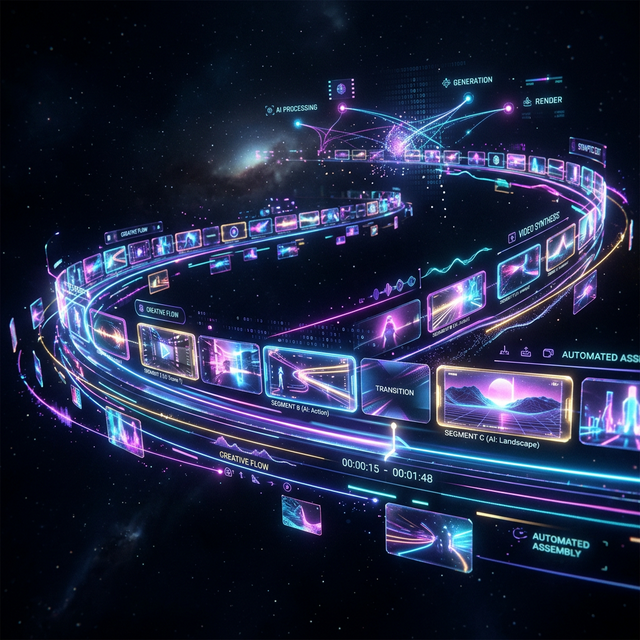
During ingest, Onset Engine computes a motion score for every clip segment. It's a numerical measure of visual dynamism - how much movement, speed, and energy each 3-second chunk contains.
A 400lb deadlift getting locked out? High motion score. Walking to the water fountain? Near zero. The engine already knows which moments are the money shots - you don't have to scrub through 45 minutes to find them.
- ✓ Automatic Peak Detection: Motion scoring finds the highest-intensity moments across hours of footage
- ✓ Energy Binding: High-motion clips are mathematically bound to bass drops and beat peaks
- ✓ Filler Elimination: Rest periods, walking, and dead time are automatically scored low and excluded
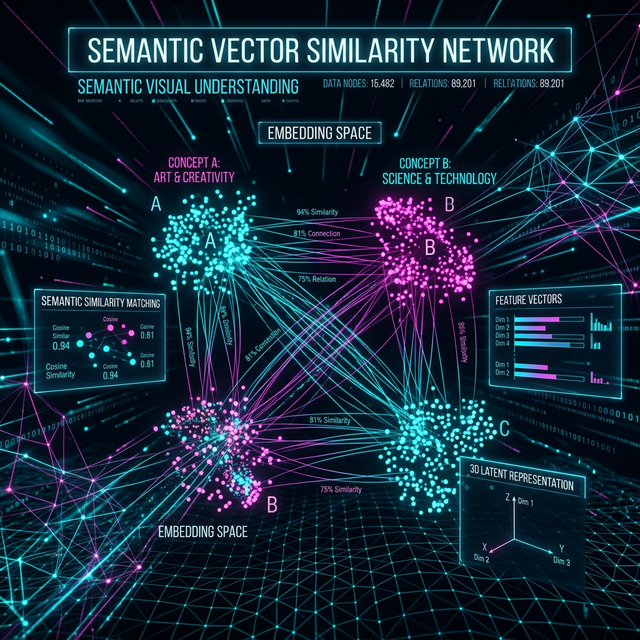
- ✓ Visual Understanding: The AI distinguishes between "person lifting heavy weight" and "person standing at a rack" semantically
The Workflow
Dump the Session
Point Onset Engine at your GoPro or phone footage from the gym. Pointer-only mode indexes without duplicating - 4K files stay where they are.
Pick a Heavy Track
Load your gym playlist banger - bass-heavy, high-energy. Onset Engine decomposes the entire track into beats, drops, and energy contours.
AGGRESSIVE or STANDARD
AGGRESSIVE for phonk-style gym edits with very fast cuts and flashes, stutters, and motion blur on the hits. STANDARD for cleaner, more polished fitness content. Your call.
Generate & Export
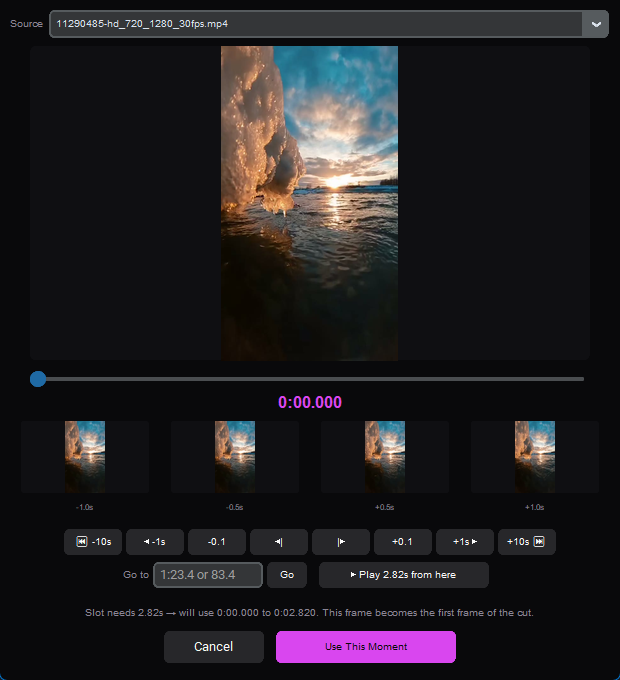
Click Make my video in New video. The engine picks the peaks, maps them to drops, and makes a draft of the whole song in the Editor - or tick Render the full video when it's ready to go straight to the finished reel. Export to MP4 or OTIO for final touches in your NLE.
Built for Volume Shooters
Fitness creators shoot every day. That's 30+ hours of raw gym footage per month. Onset Engine's database persists across sessions - every gym video you ingest becomes part of a library you can search by what's in each clip.
Shot a killer overhead press last Tuesday? The engine remembers. Need to pull every deadlift clip from the last 3 months? Describe what you want to see and AI search finds them by meaning. No folder organization required. No manual tagging.
And it all runs offline. No uploading gym footage to cloud servers. No subscription fees eating into your Gymshark sponsorship revenue. One-time purchase. Infinite gym montages.
Frequently Asked Questions
How does Onset Engine find my best lifts in a full gym session recording?
The engine computes a motion score for every clip segment during ingest. Heavy lifts like deadlift lockouts and power cleans score high, while rest periods and walking between racks score near zero. The AI automatically selects peak moments for your montage.
Can Onset Engine sync my lifts to bass drops in Phonk or Hardstyle tracks?
Yes. The engine's beat detection breaks your audio track down into beats, energy curves, and drop zones. High-motion lift clips are mathematically bound to bass drops, so your heaviest reps land on the hardest hits in the music.
How fast can I make a gym motivation reel after my workout?
Onset Engine can generate a beat-synced highlight reel in minutes. Point it at your footage, pick a track, select the AGGRESSIVE or STANDARD preset in New video, and click Make my video. The engine handles clip selection and beat-syncing automatically, and renders the finished video if you tick Render the full video when it's ready.
Can I search my gym footage library by exercise type?
Yes. AI search lets you search your entire library by meaning. Type a query like 'deadlift' or 'overhead press' and the engine finds matching clips using visual understanding, no manual tagging required.
Ready to Try It?
Download the free demo and see the results on your own footage. One-time purchase, no subscriptions.