A Photo Slideshow Maker That Cuts to the Beat
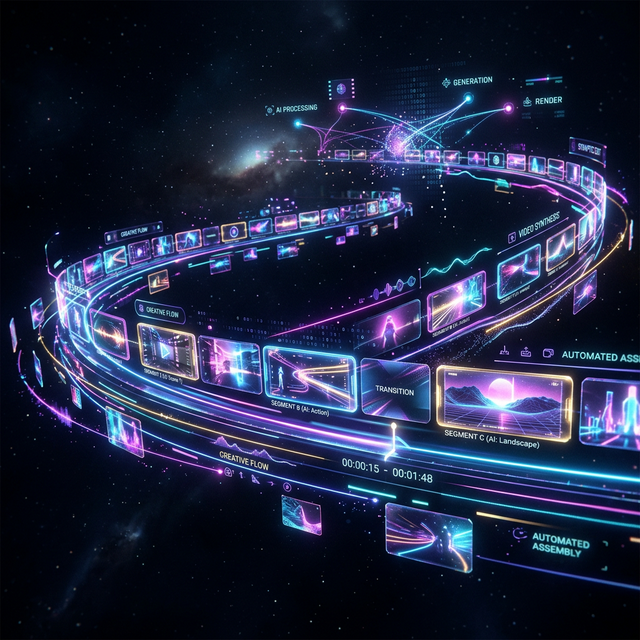
Add a folder of photos, your video clips if you have them, and a song. Onset Engine shows every one, in the order they were taken, cuts on the beat and moves every photo across its shot in time with the music. On your PC, offline: your photos never leave it.
Photos and Videos in One Edit
Most slideshow makers take photos, and most video editors want clips. A trip, a wedding or a year with the family is usually both: a camera roll of pictures and a handful of short videos. Onset Engine takes them together and makes one video from them.
Choose Use my photos and clips and every photo and clip you pick is shown once, in the order they were taken (or by file name), with every cut on the beat. Short clips play whole and long ones their liveliest part, and photos taken a moment apart flip by one per beat. Before you start, a line tells you how they fill the song.
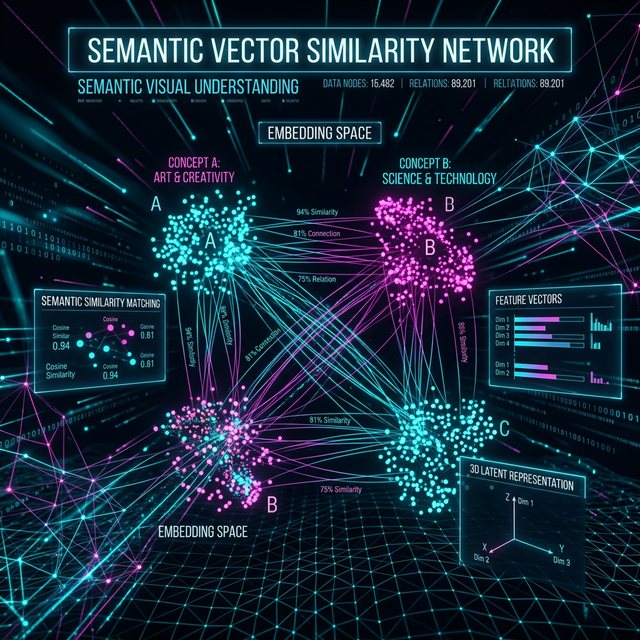
Or choose Cut a montage: it looks at every photo and clip, understands what each one shows, and chooses what plays where in the song. A photo fills a shot of any length; a clip plays its liveliest moment. You decide how many of the shots are photos: as many as your library holds, none, about a quarter, half or three quarters, or only photos for a classic slideshow.
Every Photo Moves, in Time With the Music
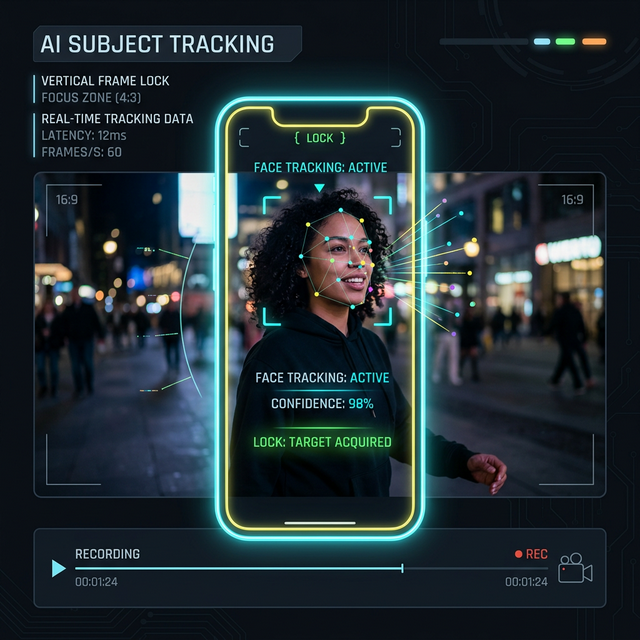
A still photo that just sits there makes a slideshow feel slow. Onset Engine gives every photo a Ken Burns move, sized to its shot and the music under it:
- ✓ Aimed at faces: a push in ends on the face it finds in the photo, and a pull out starts there
- ✓ Follows the energy: a slow drift where the song is calm, a bigger, faster push where it hits hard
- ✓ Fits any shape: a portrait photo in a 16:9 video pans along its length, and so does a landscape photo in a vertical video
- ✓ Smooth: the frame moves a fraction of a pixel at a time, with no stepping on slow moves
- ✓ Crossfades or cuts: dissolve where the music is quiet, between every shot, or not at all
How to Make a Photo Slideshow With Music
Add Your Photos
Pick a folder, or files one by one: JPEG, PNG, WebP, BMP and iPhone HEIC. Add video clips too if you have them. Each folder of photos shows as an album.
Choose a Song
Onset Engine finds the beats, the bars and where the song builds and drops, so every cut lands on the music.
Pick a Style
Choose Use my photos and clips to show every one once, in order, then a visual style and whether shots dissolve or cut. A quick draft comes first, to check before you render.
Review and Render
Swap any shot on the timeline, lock the ones you love, and render in up to 4K, or vertical for your phone.
Your Photos, Exactly as You Took Them
Photos come in the way your phone or camera saved them. Pictures taken sideways are turned upright, and iPhone photos keep their colors: their wide color space is converted, rather than shown washed out.
With Chronological Order, photos play in the order they were taken, from the date your camera stored, and phone videos fall in among them by the date they were recorded, so a trip or a year tells itself from start to finish.
Library size is not a problem. Onset Engine keeps tens of thousands of photos in one library, with AI search to find them: type a dog on the beach and it finds that photo, without your having tagged anything.
Private by Design: No Uploads
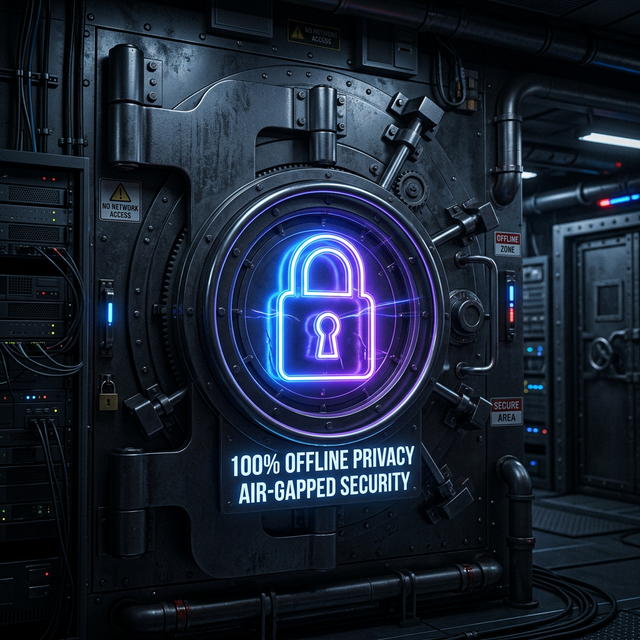
Online slideshow tools need your pictures on their servers first. Onset Engine runs on your Windows PC: analysis, editing and rendering all happen locally, and your photos never leave it. That matters for family pictures, children, and the photos you choose for a memorial.
It is a one-time purchase, $79, with no subscription. The free Demo includes every feature and renders the first minute of your video at 720p with a watermark, so you can see your own photos cut to your own song before you buy.
Made for the Videos People Keep
Weddings and Anniversaries
Getting-ready photos, the ceremony and the dance floor, crossfading where the song is gentle.
Memorials
A life in pictures, in the order they were taken, set to a song that mattered. Quiet and unhurried with a slow pace and dissolves.
Travel and Year in Review
Hundreds of phone photos and short clips from a trip or a year, cut into a few minutes that move.
Birthdays, Graduations, Sports Seasons
From baby pictures to the big day, or a whole season of games, ready for the party screen or a vertical phone video.
Frequently Asked Questions
What program do I use to make a slideshow of pictures on Windows?
For a slideshow you build by hand, photo at a time, any video editor will do: you place each picture, set how long it stays and add the music yourself. Onset Engine is for when you want the edit made for you. You add your photos, and any video clips, and a song; it chooses which pictures play where, cuts on the beat, and moves every photo across its shot with a Ken Burns push or pan that follows the music. You can still swap or lock any shot on the timeline before rendering. It runs on Windows 10 and 11, offline.
How can I create a slideshow with music on my PC?
Install Onset Engine, open New video, choose Use my photos and clips, and add a folder of photos (and video clips, if you have them) and a song. Every one is shown once, in the order they were taken, cut on the beat. Pick a visual style and whether shots dissolve or cut, and press Make my video. You get a quick draft to check first; when you like it, render it in up to 4K, or vertical for a phone. Your photos are analyzed once, so every later video from the same library starts straight away.
Does Windows 11 have a slideshow maker?
Windows 11 comes with Microsoft's Clipchamp video editor, where you can place photos on a timeline, set how long each one shows and add music by hand. Onset Engine works differently: it builds the edit for you from your whole folder, cuts on the song's beats, chooses photos by what they show, and gives every photo motion aimed at the faces in it. It also mixes in your video clips and keeps everything on your PC, with no account and no upload.
How many pictures do I need for a 20-minute slideshow?
At three to five seconds a photo, a 20-minute slideshow uses roughly 240 to 400 pictures; a faster song or pace uses more, a slower one fewer. With Onset Engine you don't need to count: Use my photos and clips fits them to your songs and says before you start how they fill them. If there are more than the songs hold, it leaves some out and tells you which; if there are fewer, the video ends with your last photo and the music fades out. Adding a few video clips also stretches a small set of photos, since a clip can hold a longer shot.
How many pictures should go in a funeral or memorial slideshow?
For one song of three to four minutes at a gentle pace, 40 to 70 photos is a common amount; plan around 15 to 20 a minute. With Use my photos and clips, Onset Engine shows each photo once, in the order they were taken, from childhood onward, and fits them to the song itself. Dissolves between every shot give the slower, softer feel most families want, and nothing is uploaded anywhere.
Can I mix videos and photos in the same slideshow?
Yes. That is what Onset Engine is built for: photos and video clips go into one library and one edit. Use my photos and clips shows every one once, in the order they were taken; Cut a montage chooses shots by what they show and how well they suit each part of the song, with a Photos setting for how many of the shots are photos. Each video clip plays its own liveliest moment, and each photo moves across its shot.
Can I use photos from my iPhone?
Yes. Onset Engine reads iPhone and iPad HEIC photos directly, as well as JPEG, PNG, WebP and BMP, so there's nothing to convert first. Photos taken sideways are turned upright, and the wide color space iPhones shoot in is converted so the colors look right in the video. Copy the photos to your PC, add the folder, and they're ready.
Is the photo slideshow maker free?
The Demo is free and includes every feature, photos among them. It renders the first minute of your video at 720p with an Onset Engine watermark, so you can try your own photos and song before deciding. The full version is a one-time purchase of $79, with no subscription, and renders your whole video in up to 4K at 60 frames per second without the watermark.
Ready to Try It?
Download the free demo and see the results on your own footage. One-time purchase, no subscriptions.