Wedding Highlight Reels, Without the Editor's Invoice
Drag in ceremony, reception, speeches, and first dance footage. Choose the Prestige preset. Get a 5-minute cinematic highlight reel with dissolve transitions and color grading - in minutes, not days.
The Wedding Editor's Dilemma
A typical wedding generates 4–8 hours of raw footage. A professional editor charges $500–$2,000 to produce a 5-minute highlight reel. And turnaround time? Weeks to months.
For couples or studios managing high volume, the math doesn't scale. You need a way to produce polished first-pass edits automatically.
The Prestige Preset
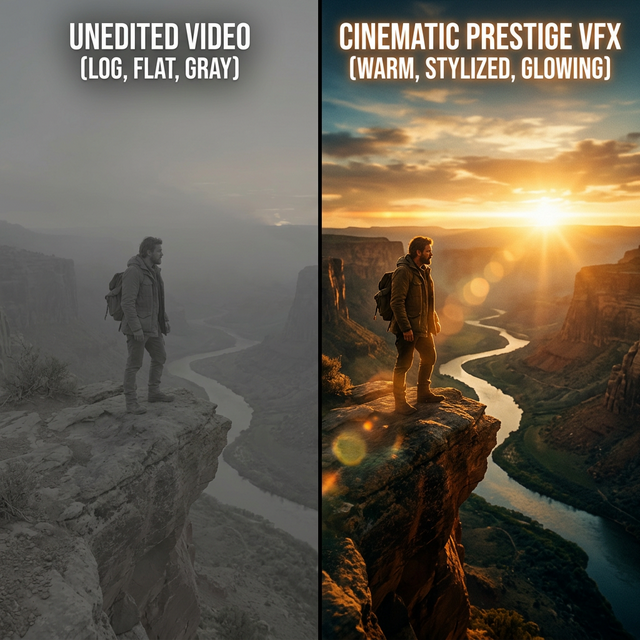
Onset Engine's PRESTIGE preset was designed for cinematic, emotionally-driven content. A polished film look: slow dissolve transitions, gentle zoom drifts, a soft glow around bright areas, gentle light streaks, and black bars top and bottom - the exact aesthetic wedding clients expect.
- ✓ Cinematic Dissolves: Elegant cross-dissolve transitions between scenes
- ✓ Letterboxing: Black bars top and bottom for a widescreen film look
- ✓ Soft Glow: A soft glow around bright areas and gentle light streaks for a polished film look
- ✓ Energy Pacing: Quiet ceremony moments get slow cuts, reception dance gets faster pacing
- ✓ Audio Ducking: Speeches and vows are preserved with automatic music ducking
The Workflow
Import All Footage
Load ceremony, reception, prep, and dance footage. Onset Engine indexes every scene with AI vision analysis.
Choose Your Song
Select the couple's first dance song or a licensed track. Onset Engine maps beats and energy for pacing.
Select Prestige
The preset applies dissolves, letterboxing, color grading, and pacing automatically.
Deliver or Refine
Export the finished reel or open the OTIO timeline in your NLE for final client-specific tweaks.
Privacy for Private Moments
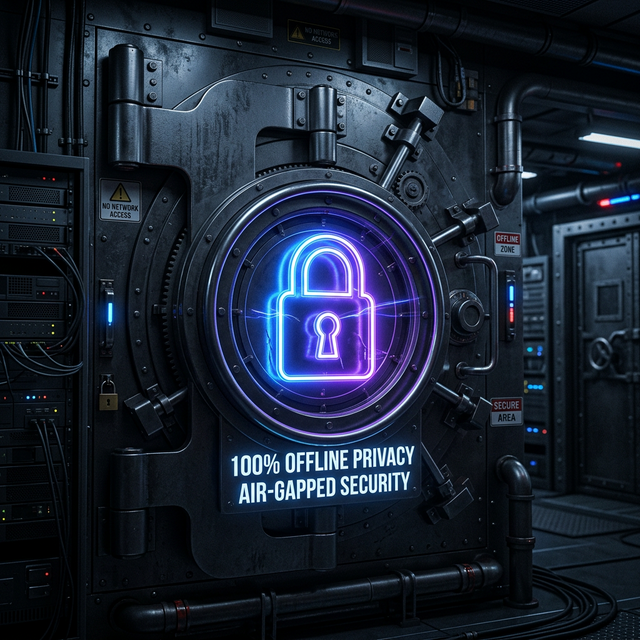
Wedding footage is deeply personal. Unlike cloud editors, Onset Engine processes everything locally. The couple's most intimate moments never touch a server. For studios handling multiple clients, that's not just a feature - it's a professional obligation.
Frequently Asked Questions
How does Onset Engine handle hours of wedding footage?
The AI indexes every clip using AI visual analysis, understanding the semantic difference between ceremony, reception, and dance footage. It ranks and selects the best moments automatically, saving hours of manual scrubbing.
Is wedding footage kept private during editing?
Yes. Onset Engine processes everything 100% locally on your machine. No frames, thumbnails, or metadata are ever uploaded to any server. Zero telemetry and zero cloud processing ensure the couple's private moments stay private.
Can I refine the AI-generated highlight reel?
Absolutely. You can export the timeline to OTIO format and open it in Premiere Pro or DaVinci Resolve for final color grading, clip swaps, and client-specific adjustments. The AI gives you a strong rough cut to refine, not a locked export.
What preset works best for wedding videos?
The PRESTIGE preset is ideal for weddings. It applies cinematic dissolve transitions, black bars top and bottom, a soft glow around bright areas, and emotion-matched pacing that maps quiet ceremony moments to slow cuts and reception energy to faster edits.
Ready to Try It?
Download the free demo and see the results on your own footage. One-time purchase, no subscriptions.